Off-Peak Robot Vacuum Charging: Cost Impact Explained
By Priya Deshmukh • 31st Mar
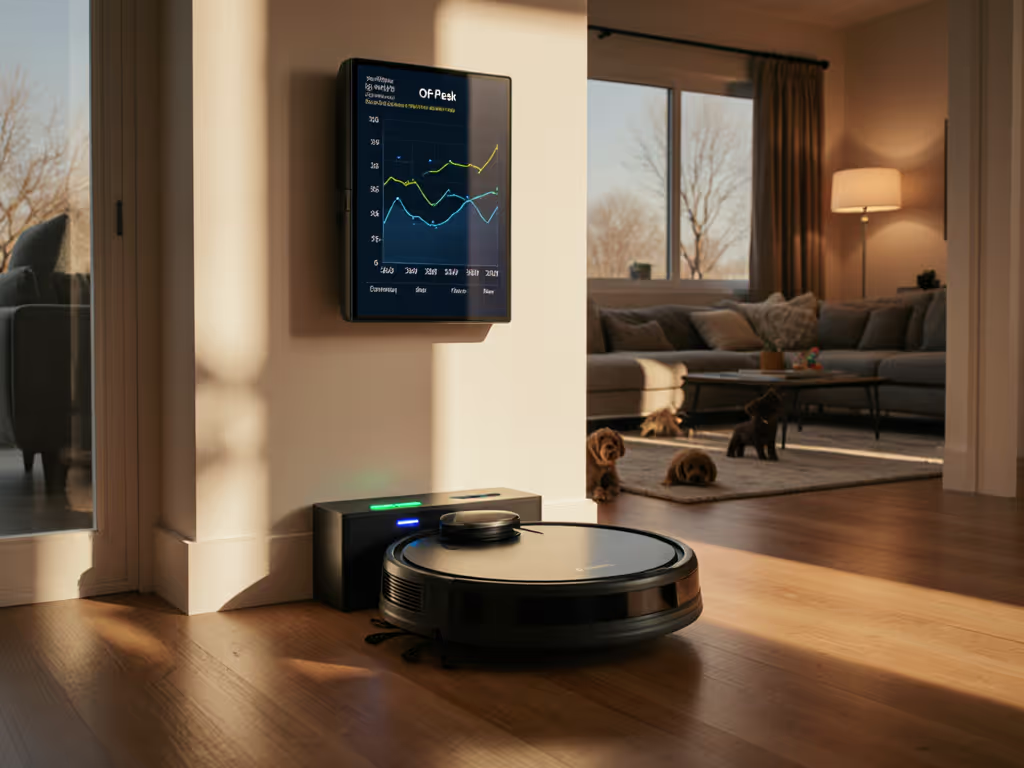
Off-peak robot vacuum charging and energy-efficient vacuum scheduling sound like minor conveniences, but they're actually the first signals that your vacuum manufacturer understands lifecycle costs. I've spent three years tracking every consumable (batteries, brushes, filters, docking costs) for two robots in a shedding-dog household. The smarter charging tools aren't about saving the planet so much as they're about controlling the one cost category that's predictable and measurable: electricity. Budget is a feature when you plan three years ahead, and off-peak charging is where that math starts.
How Off-Peak Charging Works
Q: What actually happens when I enable off-peak charging?
Your robot will charge to 100% only during the hours you specify (typically when your electricity rates are lowest). You manually set the start and end times in your vacuum's app based on what your energy provider defines as off-peak. In the UK, that might be midnight to 5 AM. In North America, it varies by utility; some offer lower rates between 9 PM and 7 AM or specific afternoon windows.
During peak hours, the vacuum charges to the minimum level needed to complete a scheduled clean (not full capacity). For real-world runtime and recharge efficiency across models, see our battery life tests. If your battery is already at that threshold during off-peak hours, the robot won't charge further until it's genuinely needed. There's a failsafe: if the battery hits critical levels during a scheduled clean, the robot will charge immediately, regardless of the time.
Q: Which robot vacuums have this feature now?
Roborock has rolled out off-peak charging to its S7 MaxV and plans broader availability across its product line through app updates. Dreame's X30 Ultra supports the feature as well. Before purchasing, check the manufacturer's app documentation or contact support (this feature is relatively new and not yet universal across all models or price tiers).
The Real Numbers: What You Actually Save
Q: How much will off-peak charging reduce my electricity bill?
This is where I stop listening to marketing and start with line-item clarity. Here's the math:
An average robot vacuum draws 40 to 65 watts during operation. If energy use is a priority, compare low-power robot vacuums with 3-year cost projections. If you use it daily for one hour, your annual consumption is approximately 14.6 to 23.7 kWh. At a typical electricity rate of $0.12 per kilowatt-hour (the US national average), your annual operating cost is roughly $1.75 to $2.85.
Now, off-peak rates are typically 20% to 40% cheaper than peak rates, depending on your utility and contract. If your off-peak rate is 30% lower, you save approximately 30% on that annual $1.75 to $2.85 cost (roughly $0.50 to $0.85 per year on the vacuum itself).
That doesn't sound impressive until you layer in the standby cost. A docked robot that stays connected to its charging station consumes 3 to 5 watts per hour in standby mode. Over a year, that's approximately 26 to 44 kWh (potentially $3.12 to $5.28 annually, far more than the operating cost). If off-peak charging prevents unnecessary top-ups and you disconnect the dock when not in use, you're now saving $2 to $3 per year on standby waste alone.
So: $0.50 to $3 per year sounds modest. But multiply it by three years, and you've recovered $1.50 to $9 of electricity cost (which is meaningful against consumable and parts pipeline expenses that can easily run $150 to $300 over the same period).
Q: What's the payoff if I use my robot less frequently?
You're in better territory. Users who run their robot only one or two times per week see significantly lower electricity costs because total consumption is lower. For them, off-peak charging is less about monthly savings and more about predictable scheduling. You can set your vacuum to clean at 2 AM on Tuesday and Thursday (times when rates are cheapest and no one's on a video call) and let it work within your electricity contract, not against it. Over three years, that consistency prevents surprise utility bill spikes.
Smart Tariff Integration: The Bigger Picture
Q: Does off-peak charging work if my utility has dynamic pricing?
Most current off-peak charging features require manual time entry, which means they work best with fixed time-of-use tariffs (the kind where your utility publishes set hours for off-peak, shoulder, and peak rates). To automate cleaning around occupancy or sensor triggers, explore our guide to smart home integration. If your electricity provider offers dynamic pricing (rates that shift hourly based on grid demand), your robot's off-peak setting becomes a rough approximation, not a precision tool.
This is a risk note: check your electricity contract before assuming off-peak charging will deliver savings. Some regions, utility cooperatives, and newer smart-rate programs change hourly. Others are fixed. A ten-minute call to your provider clarifies which you have.
Lifecycle Thinking: Off-Peak Charging in Your 3-Year Budget
Q: How does off-peak charging affect my total ownership cost?
Here's the landscape: robot vacuum consumables (self-emptying bags, brushes, filters, batteries) cost $150 to $300 over three years. Electricity is a known variable that doesn't surprise you if you track it. Off-peak charging puts you in control of that variable instead of leaving it to random recharges during expensive hours.
I tracked two bots over three years in a mixed-floor apartment with a shedding dog. The cheaper model cost more in downtime and parts because I had to replace its battery after 18 months and its brush more frequently. For chemistry-specific tips that extend pack lifespan, see Li-ion vs Li-Po battery longevity. The pricier model had stable parts availability and transparent pricing. Predictable maintenance beat flashy features. What tied the outcome together was treating electricity as a line item (knowing when the vacuum charged and locking in the lowest rates).
Off-peak charging alone doesn't sway a $1,500 purchase decision. But combined with a robot that has stable parts supply, predictable filter costs, and transparent pricing, it becomes one more signal that the manufacturer respects your wallet over three years.
Actionable Next Step
Here's what to do:
-
Contact your electricity provider. Ask whether you're on a time-of-use tariff and what hours qualify as off-peak. If off-peak rates are more than 15% lower than peak, off-peak charging is worth the setup time.
-
If you're shopping for a robot, ask the manufacturer whether off-peak charging is included or planned. Check the app (some models have it hidden in battery settings). It's a low-cost feature for them and a sign they're thinking about lifecycle cost, not just MSRP.
-
Set up the schedule. Enable off-peak charging in your robot's app and manually input your provider's off-peak window. Pair this with a cleaning schedule during those same hours. You're not just saving money on electricity; you're bunching your robot's activity into predictable, documented time slots. That clarity carries forward when you're tracking maintenance schedules or explaining to family why the vacuum runs at midnight.
-
Disconnect the dock when the robot isn't in active use. If you run your vacuum weekly, not daily, unplug the charging station between uses. This eliminates standby drain (often a larger cost than the actual cleaning cycles).
Off-peak charging won't be the deciding factor in your robot vacuum choice. But it's a feature that reflects a manufacturer's attention to real-world ownership costs, and that attention usually extends to parts availability, warranty clarity, and repair transparency (the factors that actually shape your three-year budget).
Related Articles