How AI DirtSense Eliminates Robot Vacuum Guesswork
By Lucas Ferreira • 9th Dec
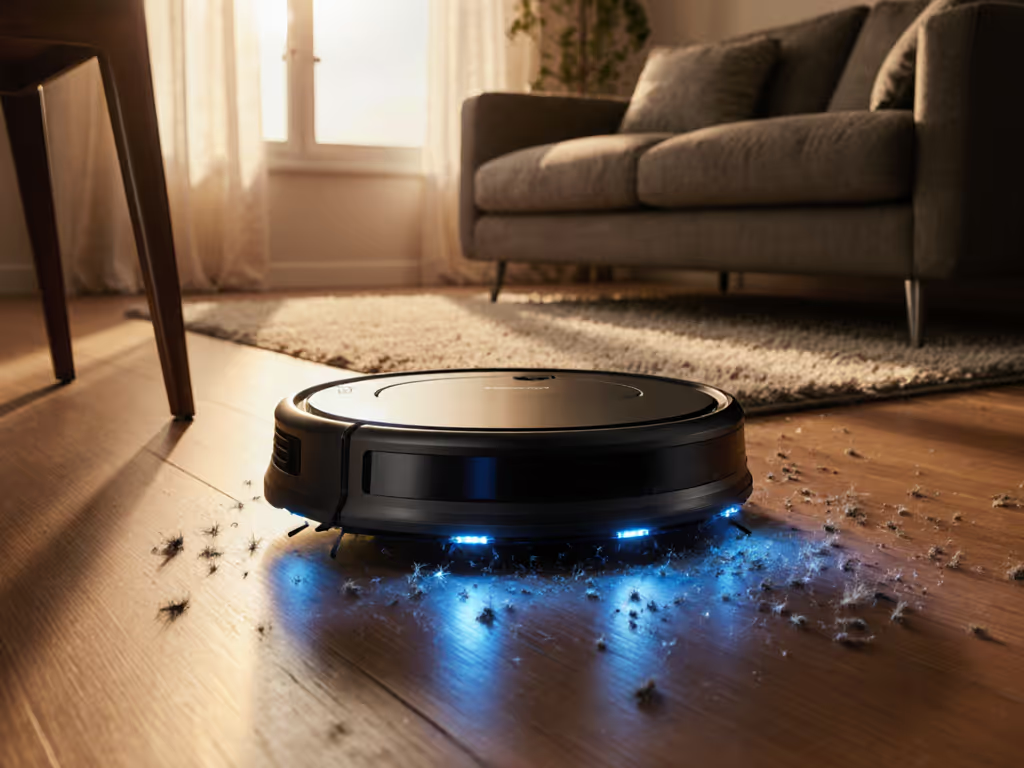
For years, robot vacuums cleaned blindly, like mopping with a blindfold. But AI DirtSense technology changes everything. It's not just another robot vacuum; it's your floors' personal detective. No more guessing if the kitchen crumbs got sucked up or if pet hair lingered near the couch. As someone who's coached beginners through setup (like helping my sister remotely during her morning coffee brew), I've seen how one misnamed room breaks routines for weeks. Simple setup today prevents headaches for the next thousand runs. Let's cut through the hype and answer your real questions.
FAQ Deep Dive: How AI DirtSense Actually Works for You
What's the #1 problem AI DirtSense solves that basic sensors can't?
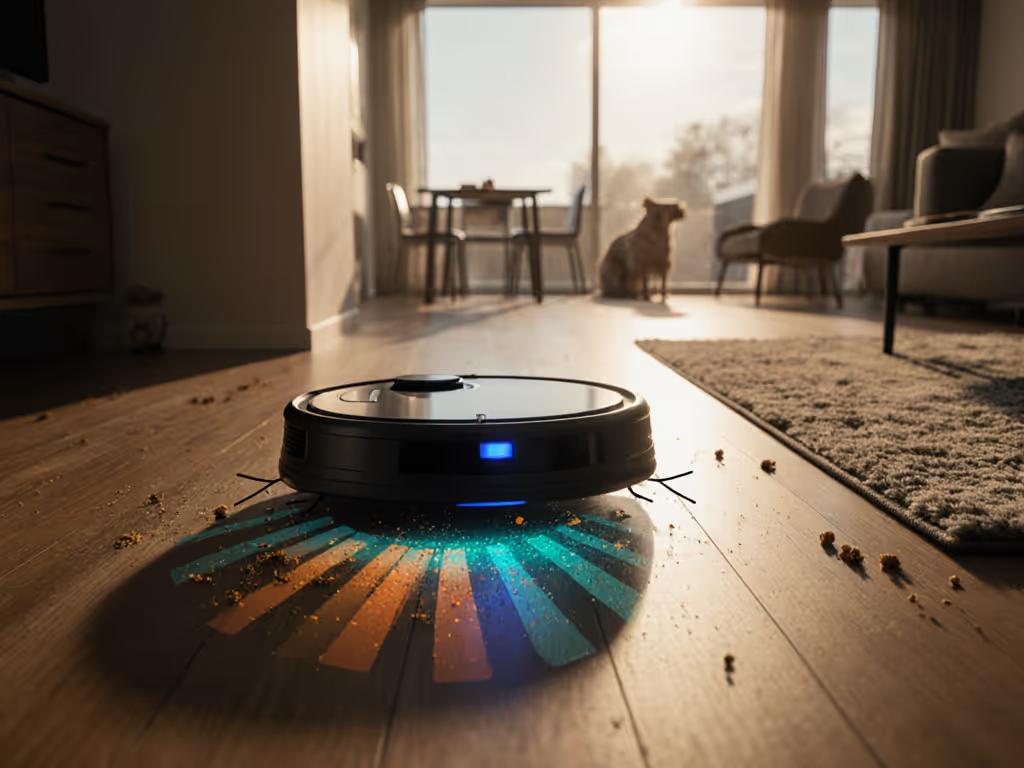
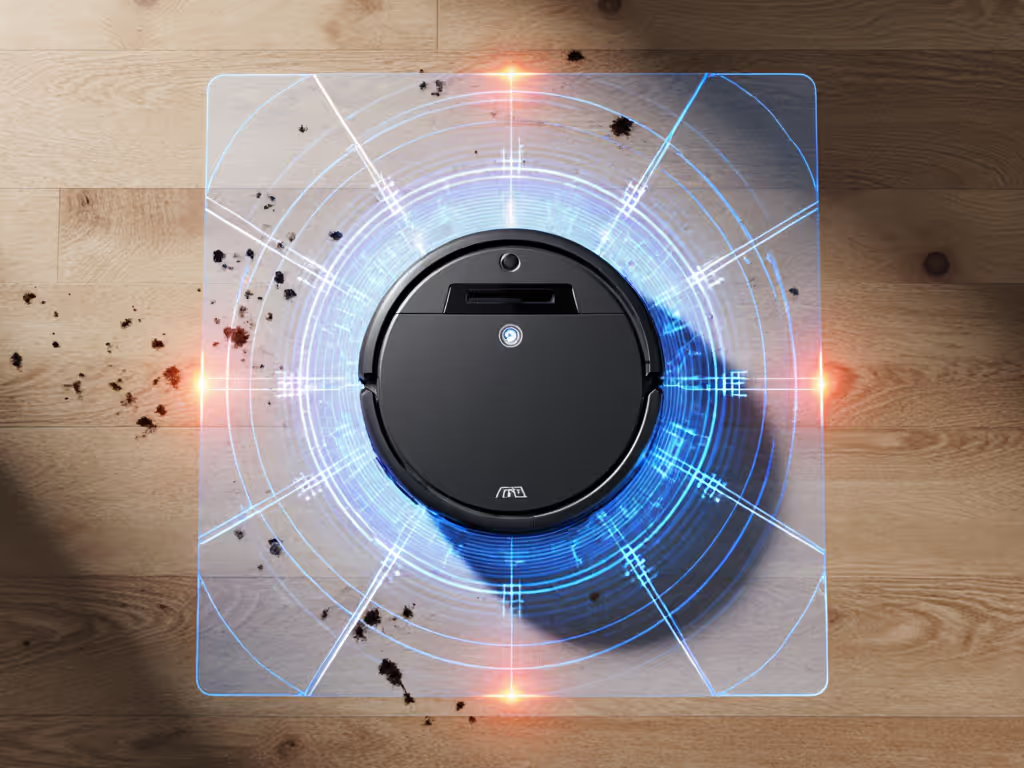
Basic robot vacuums follow preset paths. They hit every spot equally, whether it's spotless tile or a cereal explosion zone. That's wasted time and battery. AI DirtSense technology uses optical dirt sensors to see what's on your floor as it cleans. Think of it like having a tiny microscope scanning for:
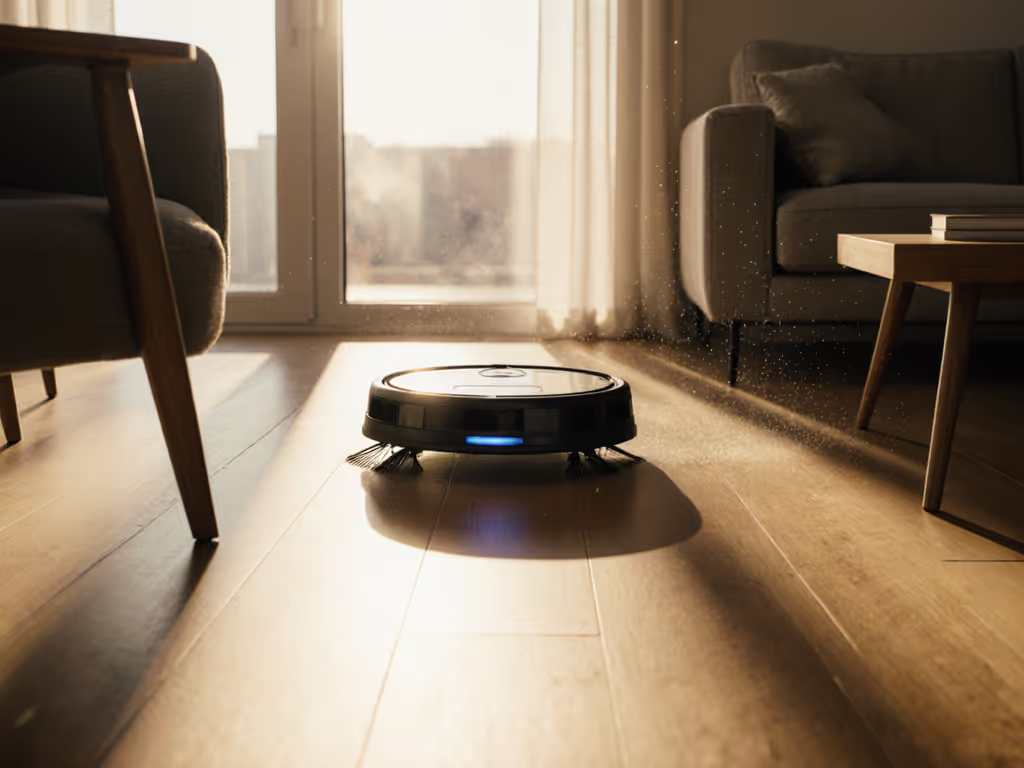
- Fine dust in sunbeams
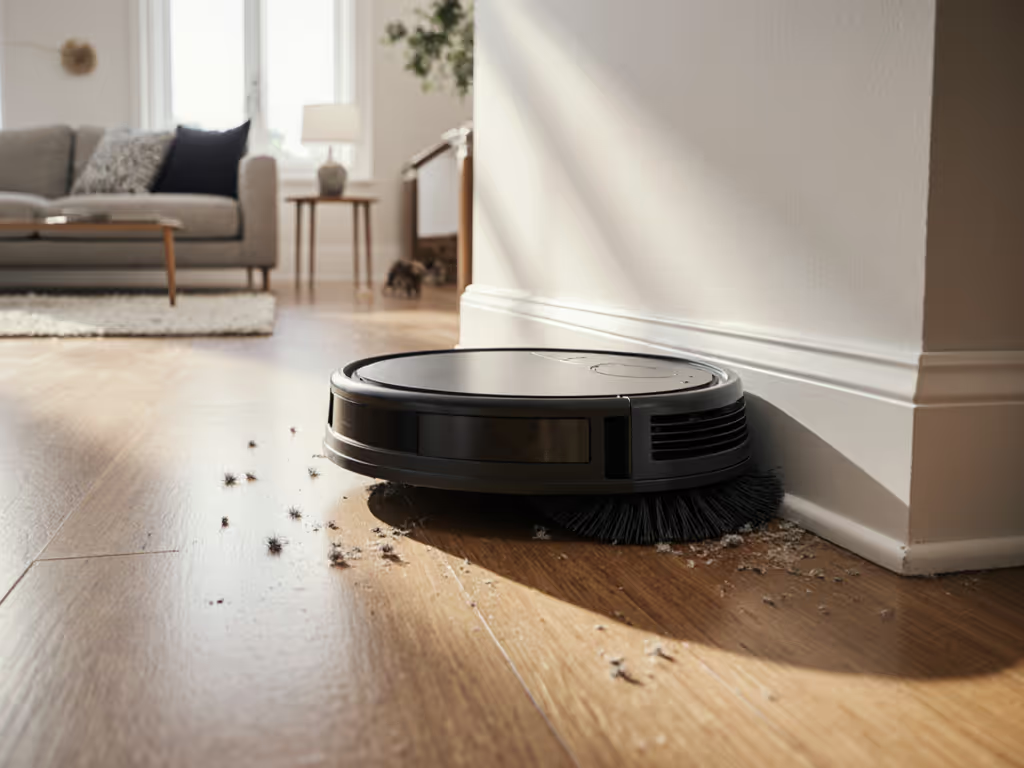
- Pet hair clumps near the sofa
- Coffee spills near the table
- Sticky toddler footprints
Without this, your robot might glide right over messes or re-clean pristine areas. With it? You'll actually trust it to work unsupervised. Especially critical for pet owners, no more dreading "poop smear patrols." For model-by-model performance around cables, toys, and pet waste, see our smart obstacle avoidance comparison.
How is this different from the "suction boost" mode on my old robot?
Suction boost is a blunt instrument. It cranks power in presumed high-traffic zones (like kitchens), whether dirt's present or not. AI DirtSense is surgical:
- Real-time floor condition analysis: Optical sensors detect actual debris density
- Adaptive cleaning intensity: Only boosts suction where needed (e.g., hallway crumbs)
- Smart mopping adjustment: Stops mopping on carpets instantly (no wet mess spreading)
Example: If your dog tracked mud on the entryway rug, basic bots might ignore it (wrong floor type detection) or smear it everywhere. AI DirtSense recognizes the mud's texture and moisture, then vacuums only that spot with max suction, no mopping. Models like the Narwal Freo Z10 demonstrate this by lifting mops 12mm the moment carpet is detected.
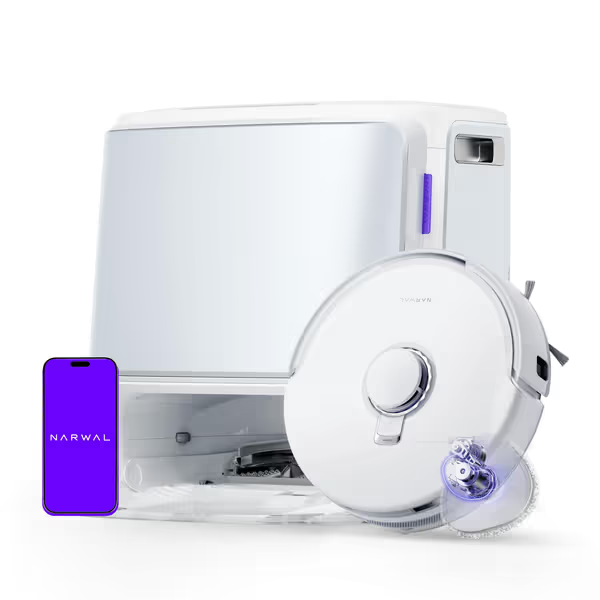
NARWAL Freo Z10 Robot Vacuum & Mop
Self-maintaining robovac with tangle-free design and powerful suction for spotless floors.
$649.99
Suction Power15,000 Pa
Suction Power15,000 Pa
Pros
Tangle-free system prevents hair wrap on brushes.
Reaches edges and corners with dynamic mop extension.
Cons
Only supports 2.4GHz Wi-Fi.
High upfront cost.
Customers find the robot vacuum effective at cleaning floors and appreciate its self-mopping capabilities, with one noting it efficiently vacuums and mops the whole house. The device maps houses well, navigates around furniture and obstacles effectively, and is easy to manage through the app. Customers describe it as surprisingly quiet, worth the money, and simple to set up and maintain.
Customers find the robot vacuum effective at cleaning floors and appreciate its self-mopping capabilities, with one noting it efficiently vacuums and mops the whole house. The device maps houses well, navigates around furniture and obstacles effectively, and is easy to manage through the app. Customers describe it as surprisingly quiet, worth the money, and simple to set up and maintain.
Will this finally stop my robot from babysitting? (I'm looking at you, pet hair!)
Yes, but with caveats. AI DirtSense technology reduces manual correction by:
- Spot-cleaning wet/dry messes correctly: Suction for dry crumbs, mopping for spills (no mixing!)
- Skipping clean zones: Your bedroom isn't re-vacuumed if untouched since last clean
- Targeting problem areas: Lingers near pet food bowls or entryways after storms
But... it's not magic. Imperative steps you must take:
- Verify map accuracy first: If the robot mislabels "kitchen" as "dining", it won't target messes right. Reclean if zones overlap.
- Clear thresholds: Dark rugs confuse optical sensors. Use virtual walls. If you have very dark flooring, our dark-floor sensor limits guide explains fixes that actually work.
- Empty dustbins weekly: Full bins blind the sensors. Simple fix!
I once helped a client with three shedding dogs, after fixing her misnamed "playroom" zone, the bot stopped avoiding hair-heavy spots. Fix the snag, not the schedule.
How do I know it's actually detecting dirt?
Don't assume it's working. Validate with these troubleshooting branches:
| Symptom | Likely Cause | Fix |
|---|---|---|
| Bot rushes through kitchen | Incorrect room label | Rename zone in app; reclean area |
| Mops spilled juice | Wet sensors clogged | Wipe optical sensors weekly |
| Ignores pet hair | Low suction mode | Enable "max" in scheduled routines |
Plain words test: Sprinkle visible crumbs in one spot. Run spot clean. If it only cleans that area intensely (not random zigzags), sensors work. No more guessing games.
Does this work on mixed floors? (Hardwood + rugs + thresholds)
Yes, if setup right. AI DirtSense analyzes floor conditions continuously. Key for townhomes/apartments with:
- Area rugs (optical sensors detect edges)
- Tile-to-hardwood transitions
- Low-pile carpets
Critical tip: During initial mapping, walk with your bot (like I did with my sister). When it hits thresholds, pause the app. Confirm it sees the rug as a rug. Misread floors = missed messes. Screens-and-steps alignment here is non-negotiable.
Will it avoid my pet's accident? (Seriously, this matters)
Modern systems with optical dirt sensors detect organic matter and moisture. But avoid these setup traps:
- Don't skip the "pet mode" toggle: Enables slower, closer scans for accidents
- Keep base station visible: Poor lighting = missed detection
- Check for sensor obstructions: Hair tangles blind dirt analysis
One client's dachshund peed near the couch, her old bot smeared it everywhere. With AI DirtSense (and correct room naming), it avoided the spot and alerted her via app. Targeted cleaning isn't just convenient, it's hygienic.
Why This Isn't Just Marketing Hype
AI DirtSense isn't about fancier specs. It's about reliable time savings. Busy parents gain 12+ minutes/day because:
- No more "spot clean after the bot" routines
- Less manual sensor/brush maintenance (clean only when needed)
- Predictable cleaning: Floors stay tidy with fewer runs
But remember my core rule: Simple, correct setup upfront saves hours of fixes later. You wouldn't skip naming rooms when mapping your home Wi-Fi, don't skip it here.
"Fix the snag, not the schedule" is how you turn a $500 gadget into a $500/month time saver.
Your Actionable Next Step
Test your current robot today:
- Place 5 coffee grounds on a clean floor section
- Run a spot clean on that zone
- Check if it only cleaned that spot (not the whole room)
If it failed: Update your map labels now. If it passed? Celebrate, you've got the brains to stop babysitting. For new buyers: Prioritize models with proven optical dirt sensors and always verify room names post-map. Simple setup today prevents headaches for the next thousand runs.
About the Author: Lucas Ferreira guides first-time robot vacuum owners through placement, mapping, and routines (because setup snags shouldn't steal your time). He's taught 300+ beginners to trust their bots by nailing the basics.
Related Articles