Future-Proof Your Vacuum: Modular Cleaning Upgrades
By Lucas Ferreira • 13th Nov
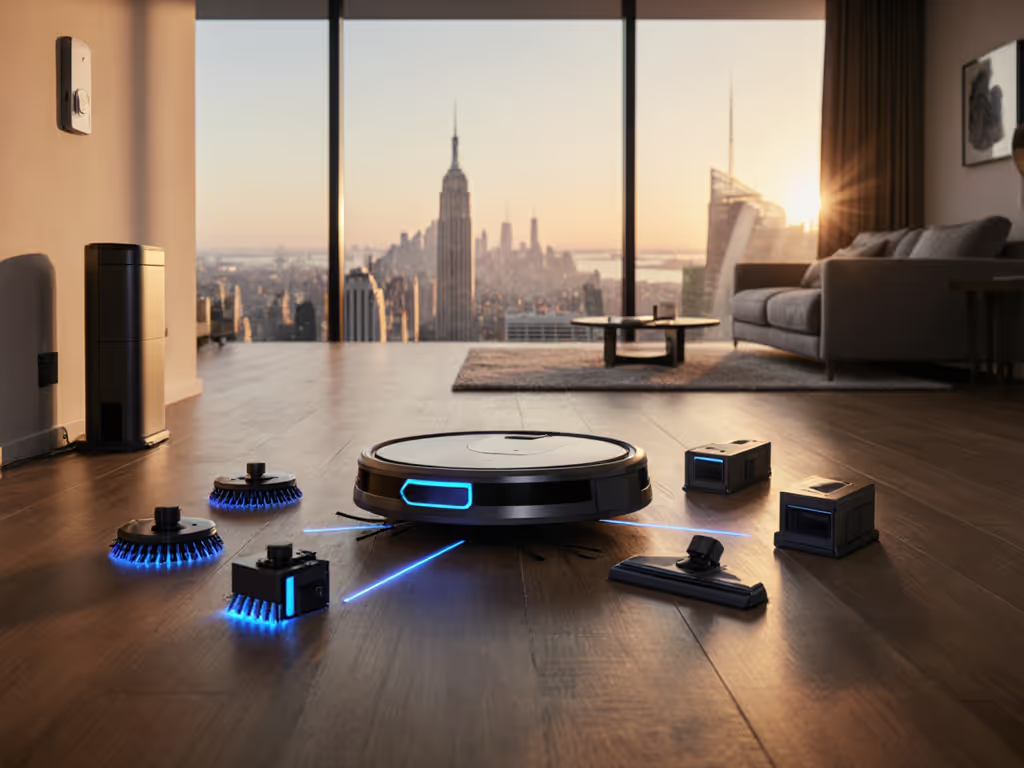
If your robot vacuum feels outdated before you master its map settings, you're not alone. The right upgradable cleaning system transforms your investment from a short-term gadget into a long-term home helper. Forget replacing the whole unit every few years; smart component swaps keep your cleaning robot effective as your needs change. Simple setup today prevents headaches for the next thousand runs.
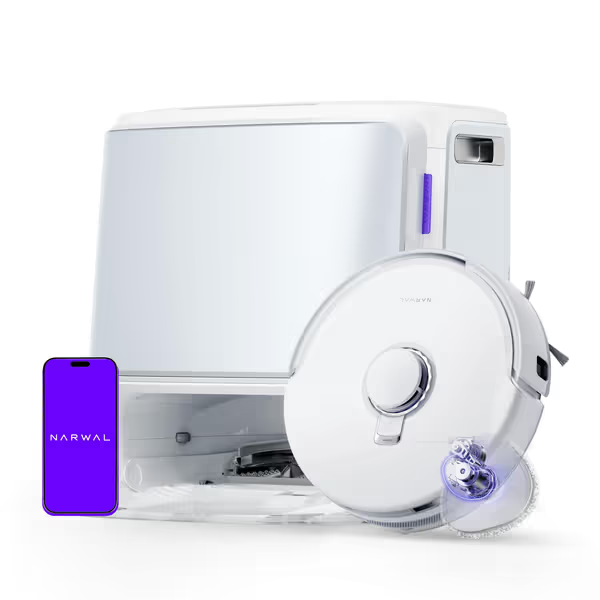
NARWAL Freo Z10 Robot Vacuum & Mop
Self-maintaining robovac with tangle-free design and powerful suction for spotless floors.
$649.99
Suction Power15,000 Pa
Suction Power15,000 Pa
Pros
Tangle-free system prevents hair wrap on brushes.
Reaches edges and corners with dynamic mop extension.
Cons
Only supports 2.4GHz Wi-Fi.
High upfront cost.
Customers find the robot vacuum effective at cleaning floors and appreciate its self-mopping capabilities, with one noting it efficiently vacuums and mops the whole house. The device maps houses well, navigates around furniture and obstacles effectively, and is easy to manage through the app. Customers describe it as surprisingly quiet, worth the money, and simple to set up and maintain.
Customers find the robot vacuum effective at cleaning floors and appreciate its self-mopping capabilities, with one noting it efficiently vacuums and mops the whole house. The device maps houses well, navigates around furniture and obstacles effectively, and is easy to manage through the app. Customers describe it as surprisingly quiet, worth the money, and simple to set up and maintain.
Why does modular matter for my busy home?
Modular design solves the "set-and-forget" promise that most robot vacuums break. Your home evolves: new pets, remodeling, or even just changing furniture layouts. Homes with dark rugs or floors should review sensor limits on dark surfaces to pick the right navigation upgrade. A rigid system fails when life changes. But components you can swap out mean your robot adapts with you.
Think of it like your smartphone. You wouldn't buy a phone with a non-replaceable battery that dies after 18 months. The same principle applies here. Long-term value comes from component replacement options that address real pain points: For pet households, start with anti-tangle robot vacuums for pet hair to cut brush maintenance dramatically.
- Pet hair clogs brushes within weeks (replace with tangle-free rollers)
- Thresholds confuse navigation (upgradable sensors detect small height changes)
- Mopping leaves streaks (hot-water washing modules improve results)
Last month, I walked my sister through setting up her first robot vacuum remotely. We timed it with her morning coffee. One misnamed room broke her whole cleaning schedule for a week. If mapping and room naming feel confusing, our robot vacuum app guide to custom zones walks you through reliable mapping, naming, and scheduling. Now, she swaps brush modules when shedding season hits. No more babysitting the robot or resetting maps. That's future-proof vacuum technology in action.
What specific parts actually get upgraded?
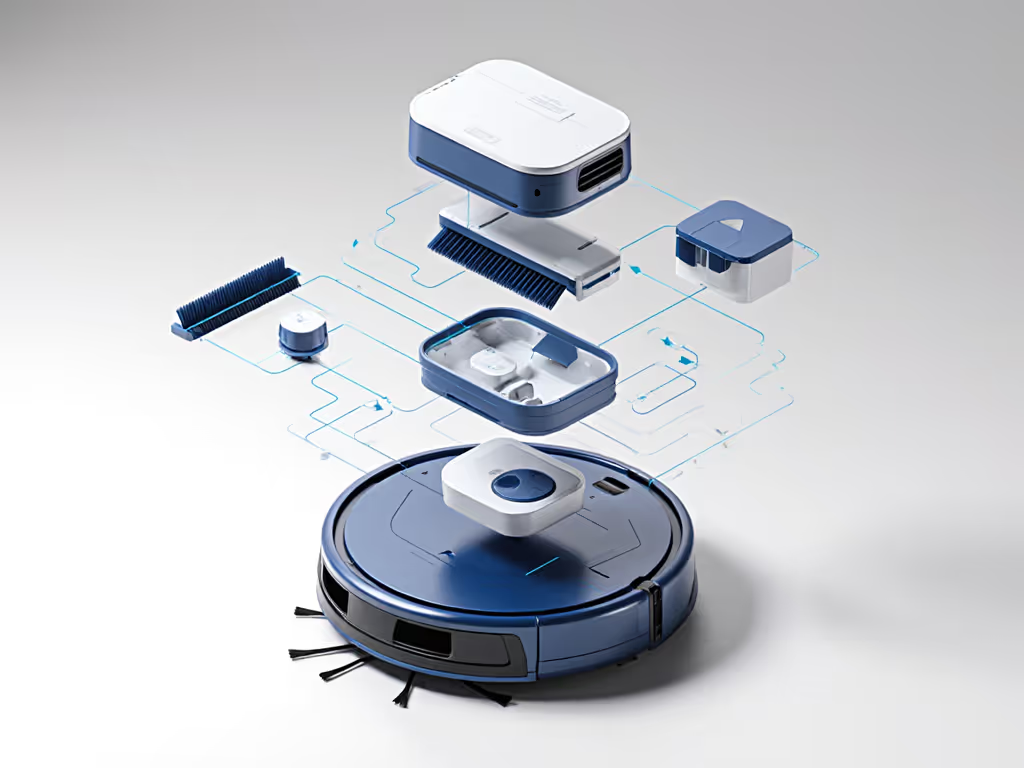
Not all components are equal. Focus on these four for maximum impact:
1. Brushes and rollers (Critical for pet owners)
- Standard issue: Hair wraps around central rollers within days
- Modular fix: Tangle-free systems that release hair automatically
- Real impact: Save 15+ minutes weekly on maintenance
A recent industry report confirms 68% of users abandon robot vacuums due to brush maintenance. Upgradable brush systems cut this chore by 90%.
2. Sensors and navigation (For homes with thresholds or dark floors)
- Standard issue: Laser sensors misread black rugs as cliffs
- Modular fix: Multi-sensor pods that add infrared or structured light
- Real impact: Fewer stuck robots during quiet hours
3. Dust collection (For large homes or heavy shedders)
- Standard issue: Small bins need emptying mid-clean
- Modular fix: Larger capacity or self-emptying modules
- Real impact: Finish full-home cleans without intervention
4. Mop systems (Critical for hard-surface homes)
- Standard issue: Static pads spread dirt instead of lifting it
- Modular fix: Spinning scrubbers with hot-water modules
- Real impact: Actually clean sticky spills, not just move them
How do I verify "modular" isn't just marketing fluff?
Too many brands claim modularity but hide restrictions. Check these three boxes before buying:
✅ True modular test #1: Component trial periods
Reputable brands offer brush module trials. Test tangle resistance with your pet's hair before committing. Example: Some systems let you run the roller brush without the dustbin to see hair release in action.
✅ True modular test #2: No firmware lockouts
Your vacuum shouldn't disable features when using third-party parts. Verify replacement brushes work with the original firmware. Check forums for "modding" communities, and if users hack workarounds, the system isn't truly open.
✅ True modular test #3: Physical connector standards
Look for twist-lock or magnetic mounts. Avoid proprietary screws that require special tools. Real modularity means swapping parts in under 60 seconds without tools.
What are the hidden costs I should watch for?
Modular sounds great until you see replacement part prices. Before you invest in a bigger base, read our breakdown of self-emptying stations and 3-year costs to see if the upgrade really pays off. Guard against these pitfalls:
- Battery traps: Some brands pair batteries to specific units. If your battery dies, you can't just buy a replacement; you must replace the whole robot.
- Filter markups: Standard HEPA filters cost $5 online. If your system uses proprietary versions at $30, that's $120/year extra.
- Dock dependency: True customizable cleaning requires modular docks too. If your self-emptying base isn't compatible with future models, you're stuck with outdated tech.
Track long-term value by calculating:
(Original price + 3 years of parts) ÷ 1,000 cleaning runs
Aim for under $1 per clean. To estimate ownership beyond parts, see our data on robot vacuum reliability and true 3-year cost. Anything higher means you're paying for disposable tech, not a home system.
How do I start with modular without overcomplicating things?
Beginners often skip the critical mapping phase, then struggle with unreliable zones. Don't. Simple setup prevents future frustration. Follow these steps:
-
Complete initial mapping first
- Run a full-home scan without partitions
- Verify map accuracy before naming rooms
- Check threshold navigation on the first pass
-
Identify your top pain point
- Pet owners: Prioritize brush upgrades
- Multi-floor homes: Focus on sensor reliability
- Hard-surface floors: Start with mop module options
-
Test one module at a time
- Swap brushes first
- Monitor performance for 2 weeks
- Only add the next upgrade after verifying results
-
Document your configuration
- Take screenshots of the app settings
- Note module installation dates
- Track runs between maintenance sessions
When modular doesn't make sense
Not every home needs this complexity. Avoid modular systems if:
- You rent and move frequently (stick with basic models)
- Your home has only one floor type (hardwood or carpet)
- You clean manually more than twice weekly (robot won't pay off)
For stable, single-purpose homes, a reliable non-modular robot may be smarter. But if your layout has:
- Mixed floor types (rugs + hardwood)
- Multiple pets
- Stairs or thresholds
- Family members with changing schedules
Modular delivers real customizable cleaning without replacing the whole unit.
Next steps for stress-free ownership
Don't wait for your current robot to fail. Start now:
- Check your manual for the "accessory compatibility" section
- Run a maintenance audit: Time how long brush cleaning takes weekly
- Contact support to ask about future module roadmaps
Replace one component this month. Track the time saved. When you find what works, scale up. Your future self will thank you when the kids bring in muddy paws or you adopt another pet.
Remember, simple setup today prevents headaches for the next thousand runs. Start small. Verify each upgrade. Trust the process. Then sit back while your robot handles the rest. Map cleanly, live calmly.
Related Articles